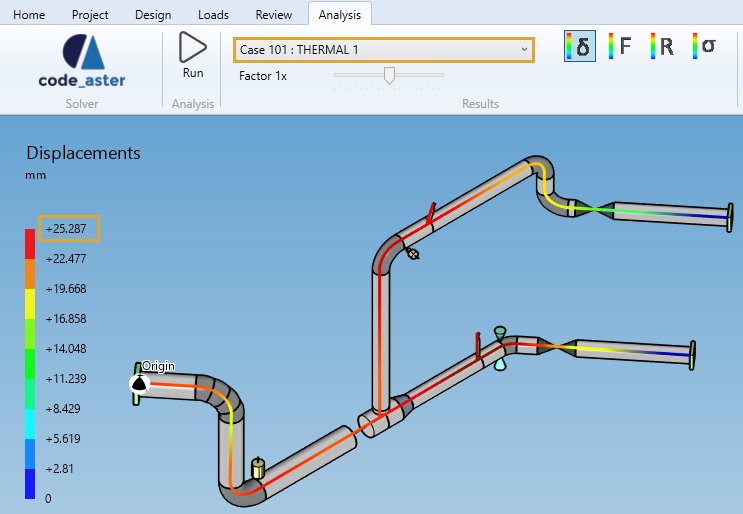
Sample 6 : Max displacement by static case number
1. Goal
Create a script that will (after pressing RUN button) retrieve the displacement max in mm of the whole piping for a particular loadcase number.
2. Script definition
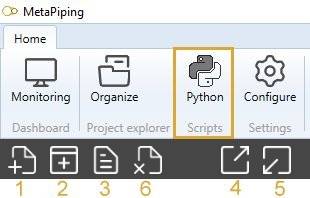
From the Home/Python, click on button 2 (Add script) :
Select “Project script” and give it the name “Max displacement by loadcase number”
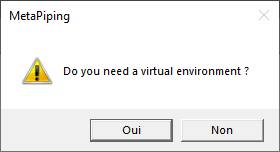
Say NO to the question about creation of virtual environment. The Requirements.txt will be hidden.
3. Script properties
Add 1 SOLUTION input, 1 EDIT input and 1 TEXT output :
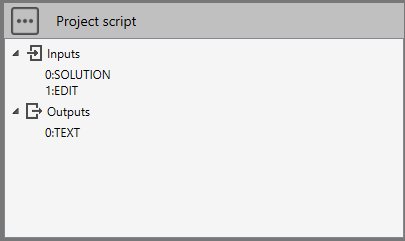
The input SOLUTION must receive a connection from the Solution connector of the solver brick.
The input EDIT must receive the static loadcase number.
The output TEXT will show the result.
4. Main.py
Copy/paste this code in the Editor :
import math

# Check if the connection has been made with the Solution connector
solution = study.getSolution()
if solution != None:
    # Check if Inputs[1] is an integer
    try:
        case = int(study.Inputs[1])
    except ValueError:
        case = 0

    if case>0:
        # Get displacements from solution with case number
        displacements = solution.getDisplacements(case)
        if len(displacements)>0:
            # Calculate the max
            max = -999999
            for displacement in displacements:
                d = displacement.Item1
                l = math.sqrt(d.X**2 + d.Y**2 + d.Z**2)
                if l > max:
                    max = l
            study.Outputs[0] = "Displacement max for case {} = {} mm".format(case, round(max, 2))
        else:
            study.Outputs[0] = "This loadcase number doesn't exists !"
    else:
        study.Outputs[0] = "Please enter an existing loadcase number !"
else:
    study.Outputs[0] = "Please connect Solution !"
Save it !
5. Result
When you add this script in a current study, connect the Solution output of the solver brick, enter a static loadcase number and after a click on the RUN button :
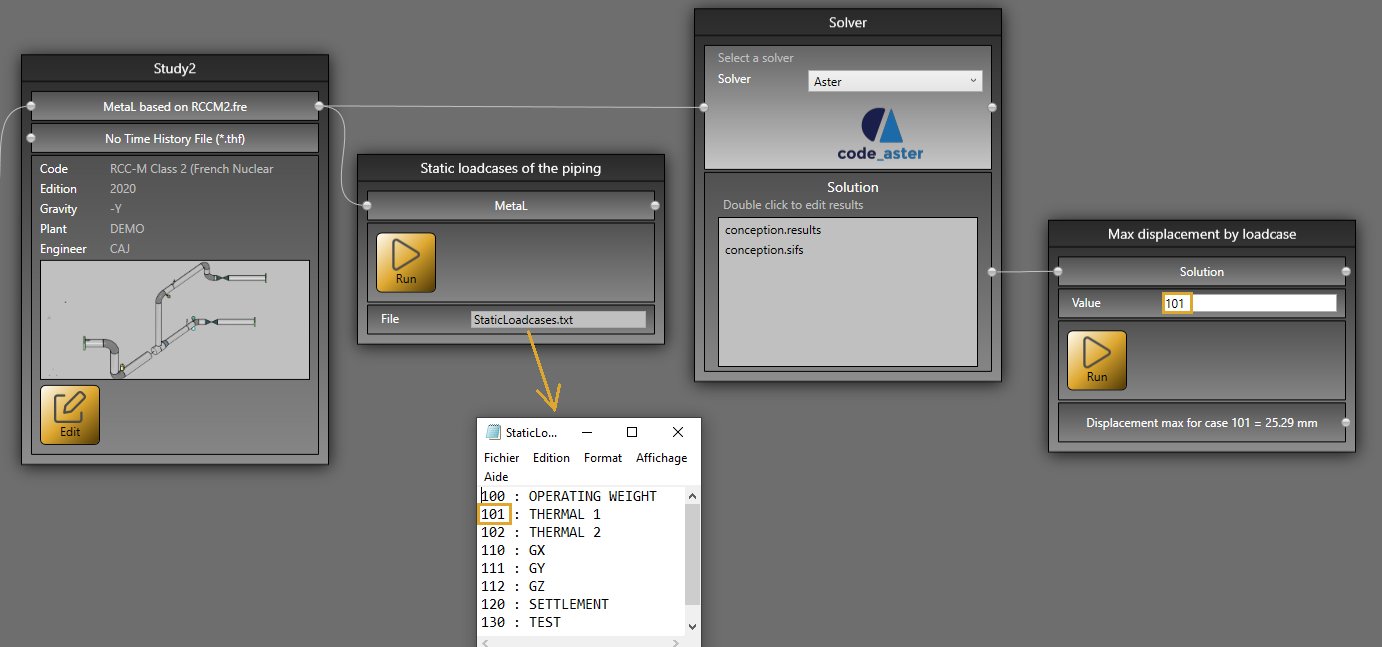
You have the max displacement !
This sample use sample5 to show all possible static loadcases.
And in Design mode :